A human head weighs about five kilograms. Held upright, the spine carries it efficiently. Tilted forward fifteen degrees, the effective load on the neck roughly doubles; at thirty degrees it is more like three times. You spend eight hours a day doing that, and by three in the afternoon something between your shoulder blades is complaining.
Almost nobody’s monitor is high enough.
The correct height, specifically
Sit as you actually sit — not the posture you adopt when someone is measuring you. Look straight ahead, relaxed. The top edge of the screen should be at or just below that line of sight. Your eyes then drop slightly to read the middle of the screen, which is where they naturally want to be, and your neck stays neutral.
Most laptop and monitor stands put the top of the screen somewhere around chin height. That is four to six inches too low for most people, and it is why a riser is the single highest-return thing you can put on a desk.
If you use a laptop as your main screen, this is more acute: the screen and the keyboard are attached, so you can have the screen at the right height or the keyboard, never both. The answer is a riser plus an external keyboard, and it is the reason those two things are always sold together.
What you get back underneath
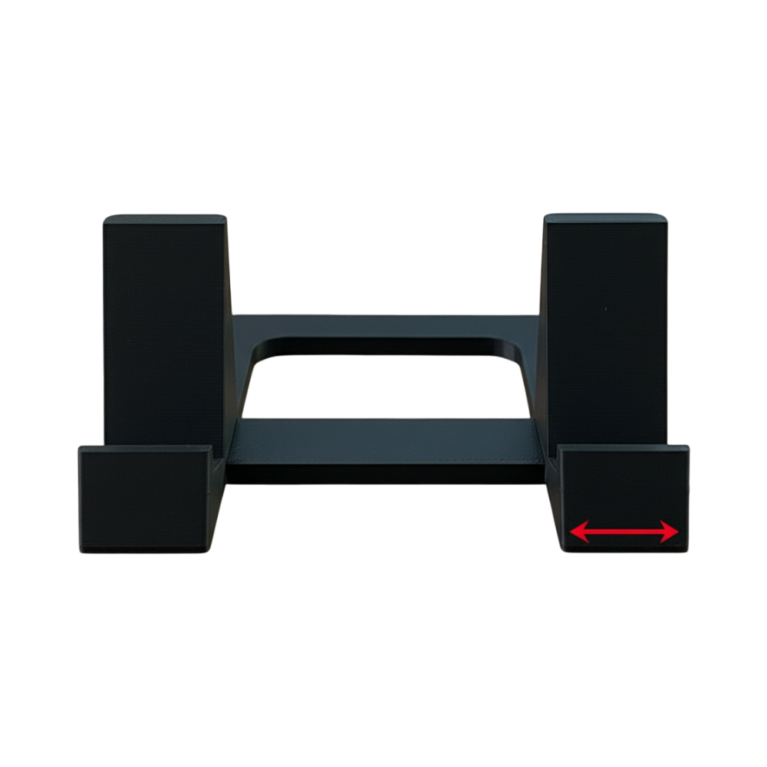
The second benefit is the one nobody buys it for and everybody keeps it for. A monitor on a stand occupies a footprint on the desk. Lift it onto a riser with clearance underneath and that footprint becomes storage — specifically, the exact strip of desk a keyboard wants to live in when you are not typing.
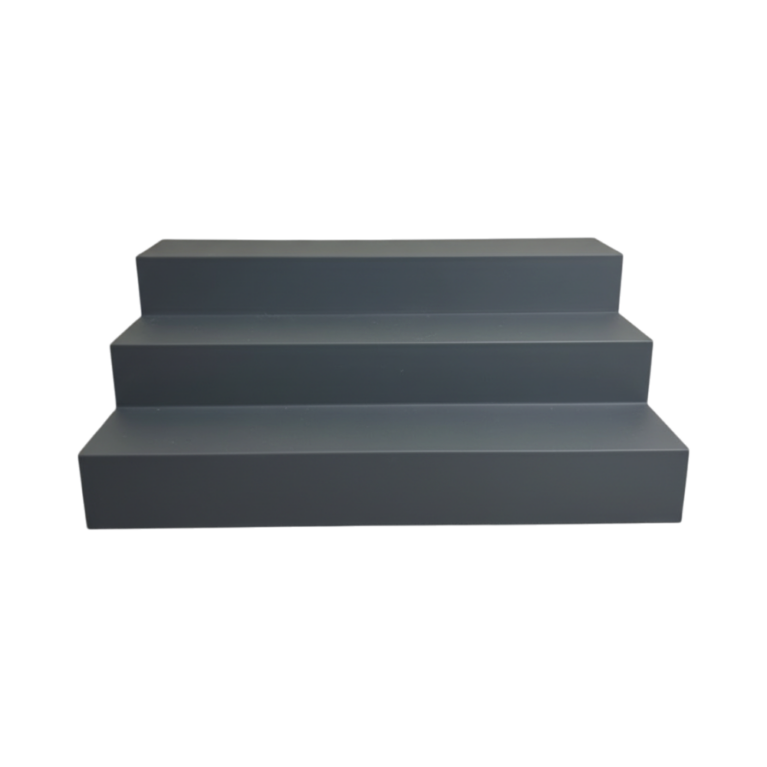
Our modular desk shelf is built with full keyboard clearance under it, and in modules, so you set the width to your desk rather than buying whatever length a factory decided on. The modular 2-tier shelf takes the same approach for a narrower run.
Dual monitors, briefly
If you have two screens and use one more than the other, put the primary directly in front of you and the secondary angled in beside it. Do not centre the gap between them on your body — that guarantees you are turning your head for everything.
If you genuinely use both equally, centring the gap is correct, and you should expect to turn your head. That is fine; it is sustained asymmetric loading that causes problems, not movement.
The rest of the desk, while we are here
- Elbows at roughly 90 degrees with shoulders relaxed. If the desk is too high, raise the chair and use a footrest; if too low, raise the desk.
- Screen about an arm’s length away. Closer than that and you will lean in; further and you will lean in for a different reason.
- Nothing behind the screen that is brighter than the screen. A window directly behind a monitor makes your eyes fight the contrast all day.
- Get the cables off the surface. Not ergonomics, but a desk you can see is a desk you use — a cable organiser or a charging station does more for a workspace than most furniture.
The cheap version
A stack of books works. It genuinely does, and if you are unsure whether height is your problem, spend nothing, stack three hardbacks under the monitor for a week, and see whether the afternoon ache changes. If it does, buy something that is not a stack of books and get the storage underneath as well.
If it does not, the problem is somewhere else — chair height, screen distance, or the fact that you have not stood up since nine in the morning. Height is the most common cause, not the only one.
A note on standing desks
They help, but not because standing is better than sitting. They help because they make you change position. A standing desk used in one fixed position all day produces its own set of complaints. The variable that matters is movement, and the cheapest version of that is getting up every forty minutes, which costs nothing and requires no furniture at all.
The desk and tech range has risers, stands and organisers, printed to order in Canada — including to a width you specify, which is usually the difference between a shelf that fits your desk and one that nearly does.