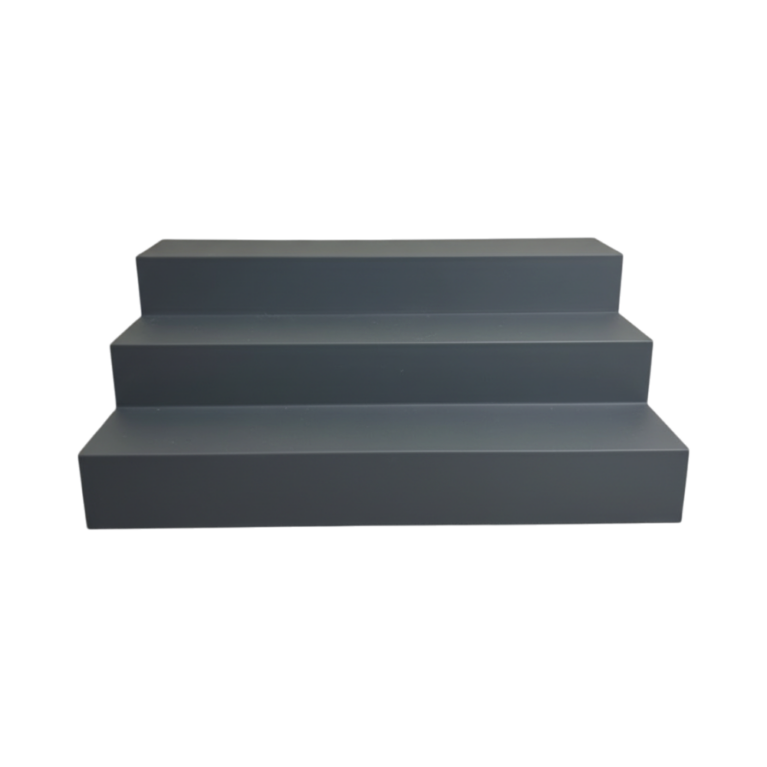
There are two completely different jobs people buy a tablet stand for, and a stand that is good at one is usually bad at the other. Knowing which one you are buying for saves a purchase.
Watching wants steep
If you are looking at the screen — a video, a recipe, a call — you want the screen close to perpendicular to your line of sight. On a kitchen counter, where you are standing and looking down, that is a fairly steep angle tilted back. On a desk where you are sitting, it is steeper still, nearly upright.
Comfort here is about the neck, and the rule from monitor ergonomics applies: get the top of the screen near eye level and let your eyes drop, rather than tilting your head down.
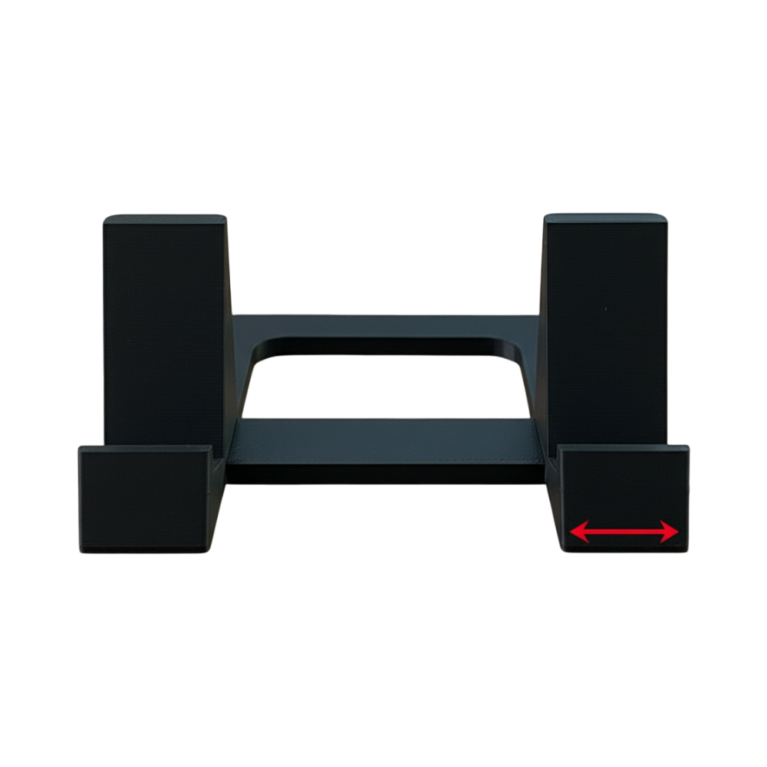
Our tablet stand is set at a single fixed angle chosen for this, with a base heavy enough that pressing the screen does not rock it — which is the failure mode of most light stands.
Drawing wants shallow
If you are working on the screen with a stylus, everything inverts. A steep surface means your wrist is extended and your forearm is unsupported, and an hour of that is genuinely painful. Draughtsmen have known this for a century: drawing boards sit nearly flat, with a slight rise at the far edge.
For tablet drawing the useful range is roughly 10 to 25 degrees. That is much shallower than any video stand, and it is why illustrators end up frustrated with stands sold for watching. Our adjustable-angle drawing stand moves through that shallow range specifically, and — crucially — holds position under the downward pressure of a stylus rather than sliding away under your hand.
That last point separates a real drawing stand from an adjustable video stand. A hinge that holds against gravity is not the same as a hinge that holds against someone leaning on it.
The case problem
Nearly every slim stand is designed around a bare tablet. Then people put the tablet in an OtterBox, a keyboard folio or a child-proof bumper, and it no longer seats in the channel — or it seats but the centre of mass is now so far back that the whole thing tips.
If your tablet lives in a serious case, buy for that. Our iPad stand for thick cases has a deliberately wide, deep channel and a taller back wall to support the extra weight. If your case is unusual, send us the measurement across the back and we will check the channel before printing — it costs nothing to ask and saves a stand that does not fit.
Charging while it stands
Easy to overlook and annoying to discover. A stand with no cable notch means the tablet either does not charge on it or sits at an odd angle with a cable jammed underneath. Worse, a cased tablet has its port recessed, so the notch has to be wider than it would be for a bare device.
Check for a notch, and check where it is. A notch in the wrong corner for your device’s port is the same as no notch.
Which one to buy
- Kitchen, recipes, video, calls: a fixed-angle stand with a heavy base. Nothing to adjust, nothing to fail. The minimal design stand is the cheapest version of this that works.
- Drawing, note-taking, handwriting: an adjustable stand that operates in the shallow range and holds under pressure.
- A tablet that moves between both jobs: an adjustable holder with a genuine friction hinge and enough range to cover both.
- A tablet in a thick case: buy for the case, not the tablet.
One thing that is not about the stand
If you draw on a tablet for long sessions, the stand only gets you part of the way. Forearm support matters more than most people expect — resting the weight of the arm on the desk rather than holding it up is the difference between two comfortable hours and forty painful minutes. A shallow stand makes that possible; it does not do it for you.
The desk and tech range is printed to order in Canada, which is why sizing to an unusual case is a conversation rather than a limitation.