Count what charges nightly in an average home now: a phone each, a watch, earbuds, sometimes a tablet, sometimes a second phone for work. Each arrived with its own cable and its own brick, and they all ended up on one nightstand or one corner of a desk. The devices are not the mess. The cables are.
Why it looks bad even when it works
A charging cable is longer than the distance it has to cover, always, because it is sold to fit the worst case. The excess has to go somewhere, and left alone it pools — on the floor, behind the table, in a loop across the surface. Three cables means three pools, and pools tangle.
Add three white bricks at the socket, and you have the single least attractive square foot in most rooms, positioned at exactly the height people see it.
The fix is routing, not more chargers
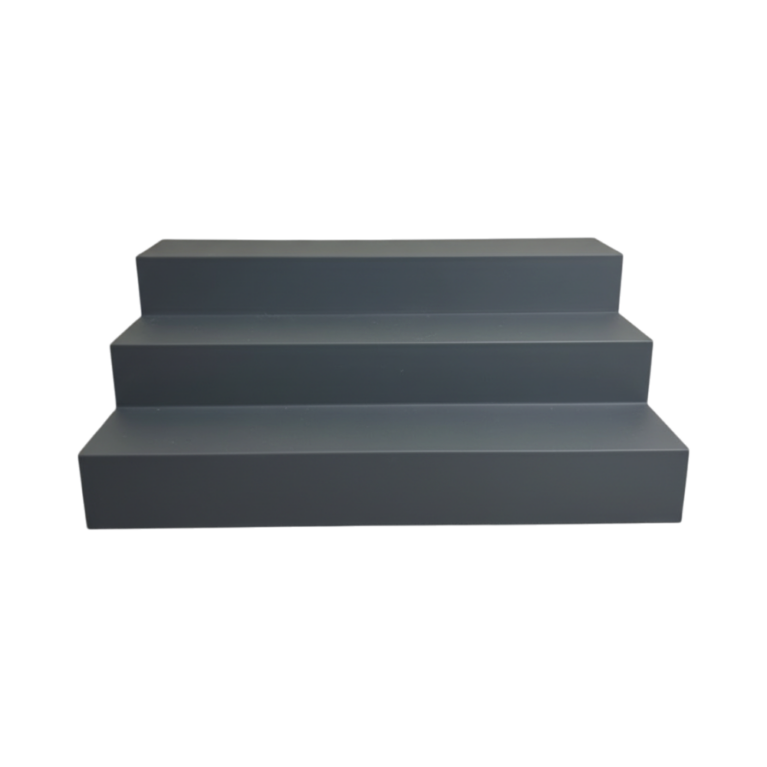
A charging station is not a charger. It is a body with cradles for each device and a channel through it that gathers every cable to a single exit at the back. What you see is three devices standing up and one lead going to the wall. The slack is inside.
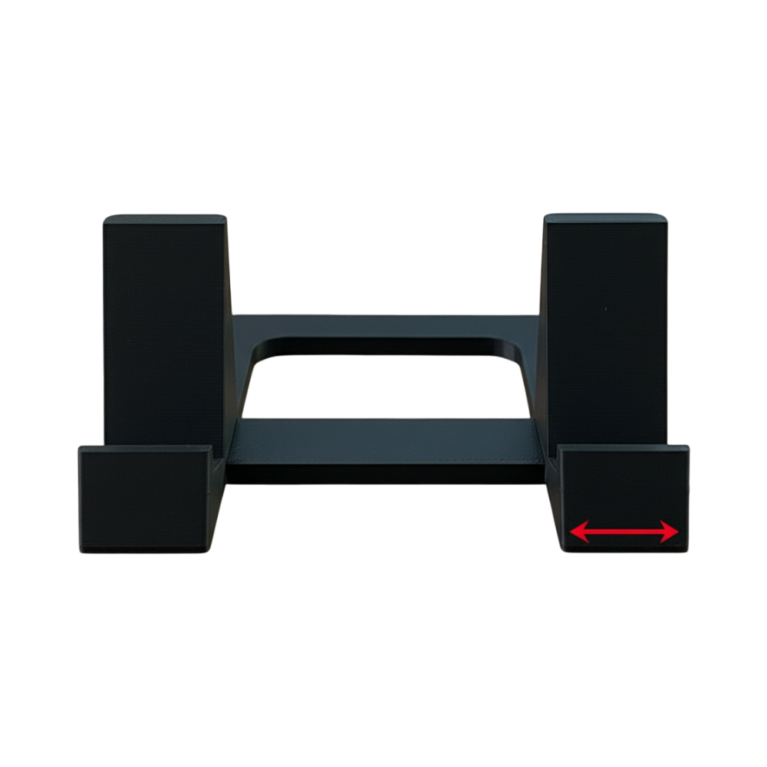
Our multi-device charging station works this way — separate cradles for a phone, a watch and an earbud case, with internal routing to one rear exit. It uses your existing cables and plugs, which matters: nothing proprietary, nothing to replace when you change phone.
Thread the cables in before you set it down. Five minutes once, and it stays tidy for as long as you own it.
Angles that matter
A phone cradle should hold the screen at a readable angle rather than flat or fully upright. If it charges face-up on a flat surface you cannot see a notification without picking it up, which defeats the point of a bedside station. If it is dead upright the screen glares.
A watch needs its own consideration because most watch pucks are magnetic and want the watch presented at a specific angle — a cradle that does not account for the puck ends up with the watch hanging off it by the cable.
Hiding the brick
The station solves the desk. The socket is still the socket. A charger cover slips over the brick, hides it, and takes up the cable slack in an internal channel — the important detail being that it is vented, because wrapping a charger in anything solid is a genuinely bad idea. Heat has to get out.
If the run crosses a floor, a cable channel along the skirting is worth the twenty minutes. It is the difference between a tidy desk in a room with a wire across it and a tidy room.
Bedside versus desk
They want different things. A bedside station wants the phone screen visible from lying down, everything reachable without turning on a light, and no bright status LEDs — the number of charging bricks with a blue LED bright enough to read by is remarkable.
A desk station wants the phone out of the way but glanceable, and it wants to not be where your hand lands. Behind the monitor riser is usually right; beside the keyboard is usually wrong.
Wireless, briefly
Wireless charging removes the cable at the device end and not at the wall end, so it halves the problem rather than solving it. It is slower and generates more heat, which over years is mildly worse for a battery. It is genuinely better for the specific case of putting a phone down one-handed in the dark.
If you go that way, the station still helps — it holds the pad at an angle and routes the pad’s own cable.
While you are at it
Label the cables. A small tag at each end, or a dab of coloured tape. The commonest cause of a re-tangled setup three months later is pulling the wrong cable out to take it somewhere.
And use one multi-port plug rather than three bricks if the devices allow it. One plug in the wall, three short cables to the station, all the slack inside it. That is the configuration that actually stays tidy.
The desk and tech range has stations, cable covers and stands, printed to order in Canada — and if you want a cradle sized for a specific watch puck or a particular case, tell us and we will draw it to fit.